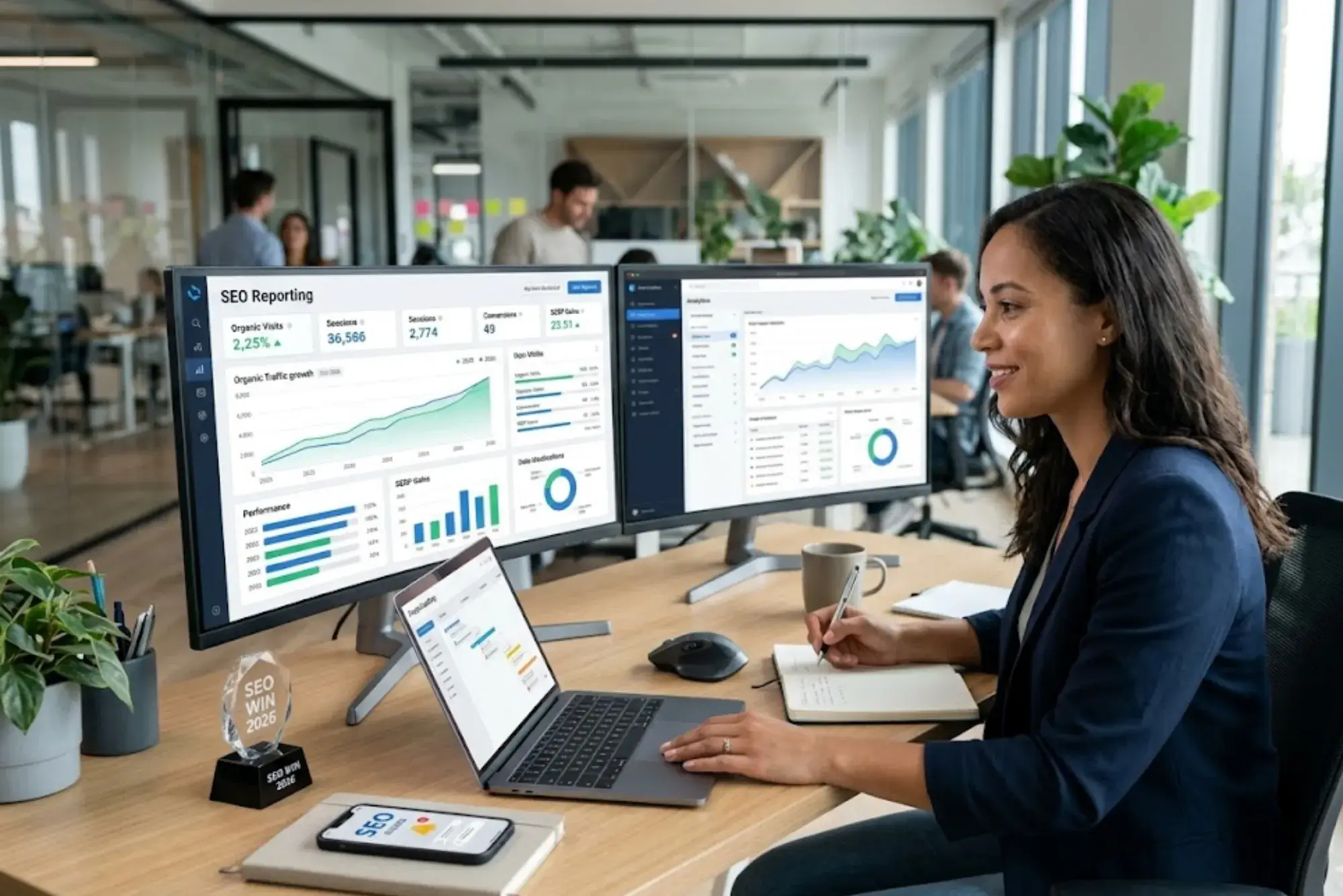
A web designer who built a stunning site for a client last year now has a problem: the client is asking “is my site actually ranking?” and “where’s the organic traffic you promised?” Without the right SEO reporting tool in your stack, that conversation turns awkward fast. The good news is that 2026 has more purpose-built reporting solutions for web designers than ever before — but the wrong choice wastes hours, confuses clients, and buries the wins your work actually generated.
Why SEO Reporting Is a Core Skill for Web Designers in 2026
The line between web design and SEO has blurred beyond recognition. Clients no longer separate “the person who built my site” from “the person responsible for my Google rankings.” Core Web Vitals, page speed, structured data, and crawlability are all design decisions now — and proving their impact demands proper reporting infrastructure.
The most in-demand web designers in 2026 aren’t just Figma experts or WordPress developers. They’re practitioners who can walk into a quarterly review, pull up a clean dashboard, and show a client exactly how their organic traffic moved — and why. That capability starts with choosing the right reporting tool for your workflow.
For a broader look at how tool selection fits into your overall SEO stack, the comparison between free vs. paid SEO tools for web designers in 2026 provides useful context before you invest in any reporting subscription.
What Makes an SEO Reporting Tool Right for Web Designers (vs. SEO Agencies)
Agency-focused SEO tools are built around volume: hundreds of client domains, bulk keyword tracking, and team collaboration at scale. Most web designers don’t need that. What you need is different:
- Clean, client-presentable reports that don’t require a PhD to interpret
- Organic traffic trend visualization that connects to actual design or content changes you made
- Keyword position tracking that highlights wins clearly, not just raw data dumps
- Integration with Google Search Console and Google Analytics 4 (GA4) as primary data sources
- Affordable per-project or small portfolio pricing — not enterprise tiers built for 500-domain agencies
With that framework in mind, here’s how the leading tools stack up in 2026.

Google Search Console — The Non-Negotiable Foundation
Every other tool on this list either pulls from Google Search Console (GSC) or complements it. GSC is free, maintained by Google itself, and gives you the most accurate picture of how Googlebot sees your site. For web designers, it’s where you verify Core Web Vitals pass/fail status, catch crawl errors from design changes, and confirm that pages are indexed.
What GSC Does Well for Organic Traffic Reporting
The Performance report inside GSC shows clicks, impressions, click-through rate (CTR), and average position for every query your site ranks for. Filtering by page, device, or country lets you pinpoint exactly which design decisions are driving — or blocking — organic gains. The 16-month data window is genuinely useful for showing clients year-over-year progress.
Where GSC Falls Short
GSC data is delayed by 2–3 days, queries with low volume are anonymized, and the reporting interface isn’t client-ready without significant manual work. For client presentations, you’ll want to pull GSC data into a more polished reporting layer — which is where the paid tools below earn their place.
Google Looker Studio (Formerly Data Studio) — The Designer’s Custom Dashboard
Looker Studio is the free reporting layer most professional web designers eventually gravitate toward. It connects directly to GSC, GA4, Google Ads, and dozens of third-party connectors, letting you build fully branded, fully custom dashboards that update automatically.
| Feature | Capability | Best For |
|---|---|---|
| Data Sources | GSC, GA4, Google Ads, 800+ third-party connectors | Multi-channel reporting |
| Customization | Full brand control: colors, logos, layouts | Client-facing deliverables |
| Cost | Free (with optional paid connectors) | Budget-conscious designers |
| Collaboration | Shareable links, view-only access for clients | Transparent client communication |
| Learning Curve | Moderate; drag-and-drop with some complexity | Designers comfortable with visual tools |
The practical limitation: Looker Studio doesn’t generate keyword ranking data itself. It visualizes data you feed it. To show clients where they rank for target keywords, you need a rank tracker connected as a data source — which is where tools like Semrush, Ahrefs, or SE Ranking come in.
Semrush — The All-in-One That Web Designers Actually Use
Semrush sits at the intersection of SEO research, competitive analysis, and reporting. Its Position Tracking feature is particularly well-suited for web designers who want to demonstrate that a redesign or new page structure improved rankings.
The My Reports module allows you to build white-label PDF reports with drag-and-drop widgets, scheduled delivery, and your client’s branding. For designers managing 5–15 client accounts, this is arguably the most time-efficient reporting setup available.
Semrush Reporting Features That Matter Most for Web Designers
- Site Audit integration: Shows Core Web Vitals, crawlability issues, and on-page SEO score — all directly linkable to design decisions
- Position Tracking: Daily keyword rank updates with visibility score showing overall organic performance trend
- Traffic Analytics: Estimated organic traffic data even for domains not verified in GSC (useful for competitor benchmarking)
- White-label PDF reports: Branded, scheduled, client-ready
| Plan | Monthly Price (2026) | Projects | Keywords Tracked |
|---|---|---|---|
| Pro | ~$139.95/mo | 5 | 500 |
| Guru | ~$249.95/mo | 15 | 1,500 |
| Business | ~$499.95/mo | 40 | 5,000 |
For most independent web designers, the Pro plan covers 5 active client projects — enough for a solid small portfolio. The annual subscription discount typically brings costs down by around 17%.
Ahrefs — For Designers Who Prioritize Backlink and Content Reporting
Ahrefs has long been considered the gold standard for backlink analysis and content gap research. In 2026, its reporting suite has matured significantly, making it a compelling choice for web designers who also handle content strategy alongside design work.
The Rank Tracker in Ahrefs provides clean, visual organic position movement data with share-of-voice metrics that resonate with non-technical clients. Its Site Explorer makes it easy to show a client: “before the redesign, you had X referring domains and ranked here; now you’re here.”
Ahrefs vs. Semrush for Web Designer Reporting
| Criterion | Ahrefs | Semrush |
|---|---|---|
| Backlink Data Quality | Industry-leading EDGE | Very strong |
| Keyword Research Depth | Excellent | Excellent EDGE |
| White-label Reports | Limited | Strong EDGE |
| Site Audit Tool | Very Good | Very Good |
| Entry-Level Price | ~$129/mo (Lite) | ~$139.95/mo (Pro) |
| Learning Curve | Moderate | Moderate |
| Best For | Content + backlink reporting | Full SEO + client reports |
SE Ranking — The Budget-Smart Choice for Freelance Web Designers
SE Ranking has quietly built one of the strongest value propositions in the SEO tool market. Its pricing is considerably more accessible than Semrush or Ahrefs, yet its reporting capabilities — particularly its white-label client portal — are genuinely competitive.
The white-label feature lets you deliver clients a branded online portal with their own login, where they can check rankings, traffic trends, and SEO health scores in real time. For web designers who want to add SEO reporting as a retained service without the overhead of enterprise-tier tools, SE Ranking offers an unusually clean path.
Mangools (SERPWatcher) — For Visual-First Reporting
Mangools is the tool that actually looks like a designer built it. Its SERPWatcher module generates one of the cleanest organic traffic tracking interfaces in the market: a daily “Dominance Index” score that communicates overall ranking performance in a single number, plus position history graphs that are immediately readable by non-technical clients.
At around $29–$49/month, it’s the lowest-cost entry point for a dedicated rank tracker with genuine reporting quality. The limitation is depth: Mangools is a keyword and rank tracker, not a full SEO suite. Pair it with Looker Studio for GSC data and you have a capable, affordable reporting stack.
AgencyAnalytics — When Client Reporting Is the Entire Point
AgencyAnalytics is built exclusively for reporting — it doesn’t do keyword research, site audits, or competitor analysis. What it does extremely well is pull data from 80+ integrations (GSC, GA4, Semrush, Ahrefs, social platforms, PPC) and deliver it in automated, white-labeled reports and live dashboards.
For web designers who handle multiple clients and want to reduce monthly reporting time from hours to minutes, AgencyAnalytics is the most purpose-built tool available. The “Campaign” structure makes it straightforward to set up per-client dashboards that clients can access anytime without needing your involvement.
| Tool | Primary Strength | Ideal For | Starting Price/mo |
|---|---|---|---|
| Google Search Console | Accurate Google data, free | Every designer — non-negotiable | Free |
| Looker Studio | Custom branded dashboards | Designers who want full control | Free |
| Semrush | All-in-one + white-label PDFs | Multi-client portfolio management | ~$139.95 |
| Ahrefs | Backlink + content reporting | Content-driven site designers | ~$129 |
| SE Ranking | Affordable + white-label portal | Budget-conscious freelancers | ~$65 |
| Mangools/SERPWatcher | Clean visual rank tracking | Designers prioritizing aesthetics | ~$29 |
| AgencyAnalytics | Multi-source automated reporting | High-volume client reporting | ~$12/client |
How to Choose the Right Reporting Stack for Your Design Practice
The “best” tool depends almost entirely on your practice’s specific shape. A solo freelancer managing 3 WordPress clients has fundamentally different needs than a 5-person studio with 20 accounts across e-commerce, services, and publishing.
For Solo Designers (1–5 Clients)
Start with Google Search Console (free) as your data foundation and Looker Studio (free) as your presentation layer. If you need keyword tracking, add Mangools or SE Ranking’s entry plan. Total cost: $0–$65/month for a professional, client-ready setup.
For Growing Practices (5–15 Clients)
Semrush Pro or Guru offers the cleanest all-in-one experience at this scale. The white-label PDF reports alone save hours of manual work per month. Alternatively, SE Ranking plus AgencyAnalytics creates a powerful combination that some designers prefer for its reporting flexibility.
For Design Studios Offering SEO as a Service
AgencyAnalytics as the reporting layer, Semrush or Ahrefs for research and audits, and GSC/GA4 as primary data sources. This is the architecture most professional digital agencies run. The investment is higher but the client experience — live dashboards, automated monthly reports, branded portals — justifies it at scale.
For designers looking at the full cost picture of building a proper SEO tools stack, the breakdown in affordable SEO tools for web designers on a practical budget in 2026 is a useful companion read that covers the full spend landscape without the enterprise overhead.
The Metrics That Actually Matter in SEO Reporting for Web Designers
Raw keyword rankings are a vanity metric in isolation. The metrics your clients actually care about — and that demonstrate the value of your design work — are:
- Organic sessions trend: Month-over-month and year-over-year organic visits from Google/Bing. This is the ultimate outcome metric.
- Impressions and click-through rate: Rising impressions with flat CTR signals a title/meta description problem your design layer can fix.
- Core Web Vitals scores: LCP, INP (replacing FID in 2024), and CLS — all directly tied to design and development decisions.
- Indexed pages count: Post-launch dips in indexed pages are a red flag that should be caught immediately via GSC.
- Ranking position distribution: How many keywords rank in positions 1–3, 4–10, 11–20 — and how those buckets are shifting over time.
Common Reporting Mistakes Web Designers Make (and How to Avoid Them)
- Comparing pre-launch to post-launch traffic without accounting for the indexing delay: New sites can take 4–8 weeks to stabilize in search results. Show clients a 90-day rolling average, not week-one data.
- Reporting keyword ranks without filtering for branded terms: If 80% of your “ranking improvements” are branded searches, your client isn’t growing organic reach — they’re just more findable to people who already know them.
- Ignoring mobile vs. desktop performance splits: A design that performs beautifully on desktop but fails Core Web Vitals on mobile will suppress rankings even if desktop metrics look excellent.
- Using estimated traffic data as if it were verified: Semrush and Ahrefs traffic estimates are useful for benchmarking but shouldn’t be presented to clients as actual visit counts. GSC and GA4 data are the authoritative sources.
- Not establishing a pre-redesign baseline: If you didn’t capture GSC and GA4 data from 3–6 months before launch, you have no credible before/after comparison. Always document the baseline before touching anything.
Integrating SEO Reporting into the Web Design Handoff Process
The most professional web designers embed reporting setup directly into the project delivery — not as an afterthought, but as a distinct deliverable. A well-structured handoff includes:
- GSC property verified and submitted sitemap confirmed
- GA4 property configured with correct conversion events
- Baseline report capturing current organic traffic, top keywords, and Core Web Vitals scores
- Reporting dashboard or template set up and shared with the client
- A brief (written or video) explaining what the client is looking at and what a “win” looks like
This structure transforms reporting from a reactive, monthly scramble into a proactive client relationship asset. Clients who can see their SEO progress in real time are far more likely to retain ongoing work with the designer who built and maintains it.
The best-all-in-one approach to SEO tool selection for web designers — covering research, auditing, and reporting in one decision framework — is explored in depth in best all-in-one SEO tools for web designers in 2026, which pairs well with the reporting-specific focus here.
What’s New in SEO Reporting in 2026 — Trends Shaping the Toolscape
The SEO reporting space is evolving quickly, driven by three forces: GA4’s continued maturation, AI-generated insights, and the growing complexity of multi-channel attribution.
AI-Generated Narrative Summaries
Several tools — including Semrush and AgencyAnalytics — now offer AI-generated “insight summaries” that translate raw data into plain-language explanations. For web designers who aren’t native SEO practitioners, these summaries significantly reduce the time needed to contextualize data for clients.
GA4’s Looker Studio Integration Deepening
Google’s investment in making GA4 data natively exportable to Looker Studio has matured considerably in 2026. The Explorations feature in GA4, combined with Looker Studio’s visualization capabilities, gives web designers a genuinely powerful free reporting stack that would have required expensive tools just two years ago.
Core Web Vitals as a Reporting Centerpiece
The introduction of INP (Interaction to Next Paint) as a Core Web Vitals metric has created a new reporting dimension that web designers are uniquely positioned to own. CrUX data (Chrome User Experience Report) is now integrated into GSC’s Core Web Vitals report and increasingly surfaced in third-party tools like Ahrefs and SE Ranking — giving designers a performance narrative that is entirely within their domain of expertise.
Building a Client-Proof SEO Reporting Habit — Practical Workflow
The goal isn’t just having the right tool — it’s having a repeatable process that makes reporting feel effortless rather than burdensome. A sustainable monthly reporting workflow for web designers looks like this:
- Automate data collection: Set up scheduled GSC data pulls into Looker Studio or AgencyAnalytics. Stop copying numbers into spreadsheets manually.
- Set monthly comparison as the default view: Year-over-year when possible; month-over-month as baseline. Never show clients a single week in isolation.
- Annotate design changes on the timeline: Mark the dates of site launches, major updates, or content additions on your traffic graphs. This is how you visually connect your work to outcomes.
- Lead with outcomes, not metrics: Open every client report with “your organic traffic grew X% this quarter” before you show any chart. Then show the chart. Context before data, always.
- Flag risks proactively: If impressions are climbing but CTR is falling, or if a Core Web Vitals signal is degrading, include it with a recommended action. Proactive flagging is what separates retained relationships from one-off projects.
Conclusion: The Right SEO Reporting Tool Is the One You’ll Actually Use
The best SEO reporting tools for web designers in 2026 aren’t necessarily the ones with the longest feature lists or the biggest brand names. They’re the ones that fit your workflow, present data your clients can understand without a technical explainer, and give you credible evidence of the organic traffic gains your design work is generating.
For most solo designers, the free GSC + Looker Studio combination is genuinely capable. For growing practices with multiple clients, SE Ranking or Semrush Pro offers the right balance of depth and reporting polish. For studios where client reporting is a service line in itself, AgencyAnalytics is the most efficient solution available.
Whatever tool you choose, the habit matters more than the software. A disciplined, consistent reporting process — built around the metrics that actually demonstrate value — is what transforms a web designer from “the person who built my site” into “the partner responsible for my online growth.” And if you’re still deciding whether a paid tool is worth the investment, revisiting the free vs. paid SEO tools comparison for web designers will help you make that call with confidence.
Frequently Asked Questions
What’s the best free SEO reporting tool for web designers?
Google Search Console combined with Google Looker Studio is the most powerful free reporting stack available. GSC provides accurate organic traffic, keyword, and Core Web Vitals data; Looker Studio lets you build branded, automated dashboards from that data at no cost. Most professional designers use this combination as their foundation, supplementing with paid rank trackers as needed.
Do web designers need a different SEO reporting tool than SEO agencies?
Yes — the priorities differ meaningfully. Agencies need volume: hundreds of domains, team permissions, bulk reporting. Web designers typically need clean client-facing visualizations, Core Web Vitals reporting, and a clear link between design changes and organic performance. Tools like SE Ranking, Mangools, and Looker Studio are better suited to designers than enterprise-focused platforms.
How do I show a client that my redesign improved SEO performance?
Establish a clear baseline before you touch anything — pull 3–6 months of GSC and GA4 data. After launch, allow 60–90 days for Google to re-crawl and re-rank pages. Then compare organic sessions, impressions, keyword position distribution, and Core Web Vitals scores directly. Annotating the launch date on your traffic trend chart makes the before/after story immediately readable to non-technical clients.
Is Semrush worth the price for a solo freelance web designer?
If you’re managing 3–5 active SEO clients, yes — the Pro plan at ~$140/month is justified by the time saved on manual reporting alone. If you have fewer clients or a purely design-focused practice without ongoing SEO retainers, the free stack (GSC + Looker Studio) plus a $29–$65/month rank tracker like Mangools or SE Ranking is a smarter spend.
What SEO metrics should web designers include in client reports?
Prioritize: organic sessions trend (month-over-month and year-over-year), Core Web Vitals scores (LCP, INP, CLS), keyword position distribution (how many keywords rank in top 3, top 10, top 20), impressions vs. CTR ratio, and indexed page count. These metrics connect your design decisions directly to organic outcomes — which is the story your clients need to hear.
Related Reading: How Web Designers Can Use SEO Tools to increase organic traffic without wasting time in 2026
Related Reading: Best SEO Audit Tools For Web Designers that Uncover Issues Blocking Traffic Growth in 2026
Related Reading: Best Keyword Research Tools for Web Designers Targeting Topics That Can Bring More Organic Visitors in 2026
Related Reading: Best AI SEO Tools for Web Designers That Help Them Grow Traffic Faster in 2026